
.png "Digital Safety")
Avoid Sharing Your Location
Sharing
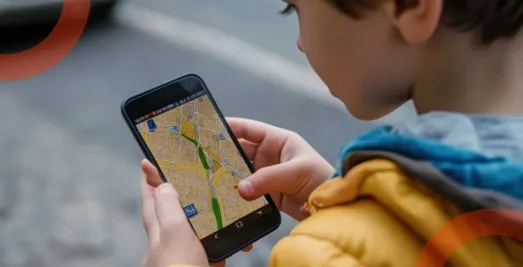
1. Why Should You Avoid Sharing Your Location?
• Protecting Your Safety: Sharing your location can let people know exactly where you are, and if a stranger sees this, they might...
Practice Good Digital Citizenship
Practice Good

1. Be Kind and Respectful
• Treat others how you want to be treated: Just like in the real world, it’s important to be polite and respectful when you’re online. Don’t say ...
Know How to Block and Report
How to Block
1. What Does It Mean to Block Someone?
Blocking means stopping someone from contacting you, seeing your profile, or interacting with you online. If someone is bothering you, sayin...
Check Websites for Safety
Check Websites
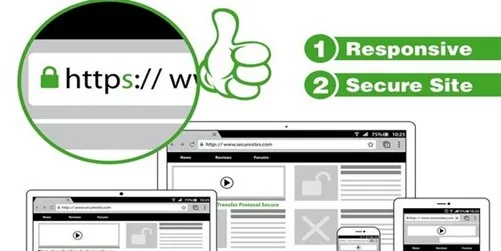
1. Look for "HTTPS" in the Web Address
What is HTTPS? The "S" at the end of "HTTP" stands for secure. Websites that start with "https://" are more secure because they encrypt your...
Understand the Risks of Live Streaming
Understand

1. What is Live Streaming?
• Live streaming is when you broadcast video in real-time over the internet. It’s used in apps like YouTube Live, Twitch, Instagram Live, TikTok, an...
Be Careful on Social Media
Be Careful

1. Keep Your Profile Private
• Set Your Account to Private: Make sure only your family and close friends can see your posts and information. This helps protect you from stranger...
Be Aware of Online Ads and Pop-ups
Be Aware

1. Why Be Aware of Ads and Pop-ups?
• Inappropriate Content: Ads can sometimes lead to inappropriate or harmful content. They may promote violent games, adult material, or phish...
Keep Your Software and Apps Updated
Software

1. Why Keeping Software and Apps Updated Is Important
• Security Protection: Updates often contain security patches that fix vulnerabilities in the software. Hackers can exploit...
Use an Avatar or Nickname
Use an Avatar
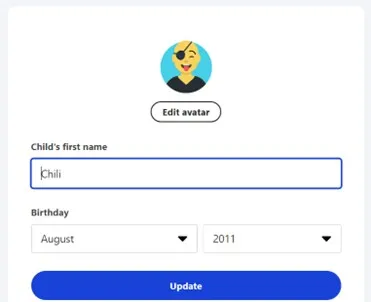
1. Why Use an Avatar or Nickname?
• Privacy Protection: By using a nickname or avatar instead of their real name, children can keep their personal identity hidden. This reduces ...
Limit Screen Time
Limit Screen
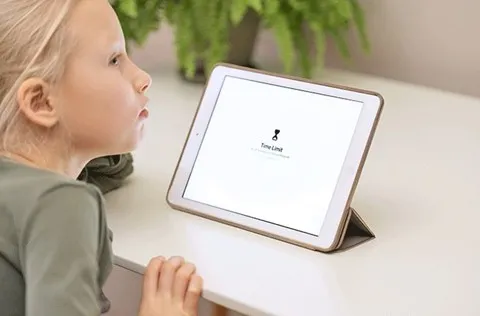
1. Set Clear Screen Time Limits
• Create Daily Limits: Establish a set amount of screen time for each day. This might depend on your child's age and the nature of the activities...
Be Cautious with Video Calls
Be Cautious
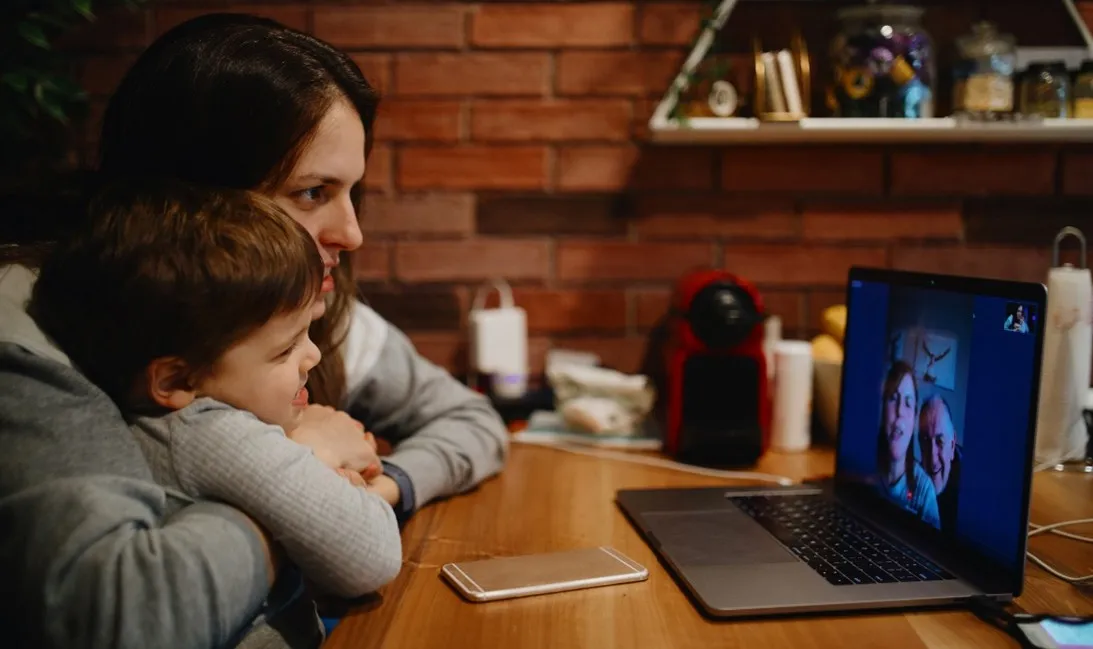
1. Explain the Risks of Video Calls
• Unintended Exposure: Teach your child that video calls allow others to see not only them but also their surroundings. If they’re not care...
Know Who Can See Your Information
Information
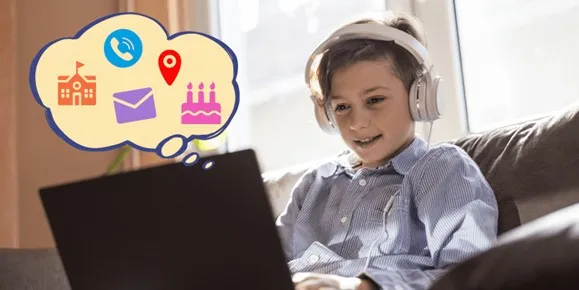
1. Explain the Concept of Personal Information
• What is Personal Information?: Teach children what counts as personal information, such as their full name, address, phone numbe...
Use Safe Search Engines
Search Engines

1. Explain the Risks of Unsafe Search Engines
Exposure to Inappropriate Content: Regular search engines like Google or Bing might return results that include inappropriate website...
Avoid Online Purchases Without Permission
Online
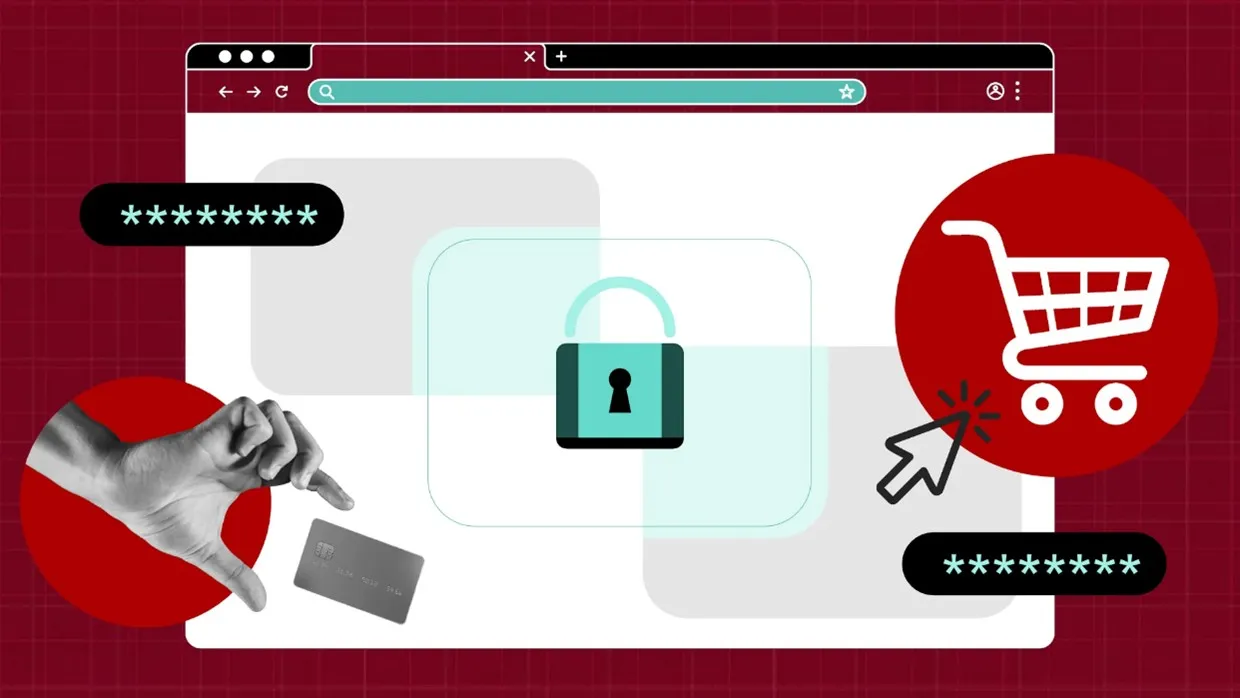
1. Explain Why Online Purchases Need Permission
Unintended Charges: Online purchases, whether for games, apps, or physical products, can result in charges to your bank account, cr...
Don’t Download Unknown Files or Apps
Don’t Download

1. Explain the Risks of Downloading Unknown Files and Apps
Malware and Viruses: Apps or files from untrusted sources can contain harmful software (malware or viruses) that can dam...
Avoid Online Games with Strangers
Games

1. Explain the Risks of Playing with Strangers
People aren’t always who they say they are: Strangers online can pretend to be someone they're not. They might pose as kids but ar...
Use Age-Appropriate Websites and Apps
Age-Appropriate

1. Choose Kid-Friendly Websites and Apps
What makes a website or app kid-friendly?
Content designed for children: Websites and apps for kids focus on age-appropriate subjects lik...
Avoid Clicking on Suspicious Links
Avoid Clicking

8. Avoid Clicking on Suspicious Links
1. Explain What Suspicious Links Are
What is a suspicious link?: Help children understand that a suspicious link is one that looks strange o...
Set Privacy Settings
Set Privacy
1. Set Social Media Privacy Settings
Social media platforms: Most social media apps (Instagram, Facebook, TikTok, etc.) have privacy settings that allow you to control who can see...
Talk to an Adult About Anything Uncomfortable
Talk to an Adult

1. Create an Open and Safe Environment
Encourage open communication: Let children know that they can come to you with any questions or concerns without fear of judgment or punishm...
Think Before You Post
Think

1. Teach the Permanent Nature of the Internet
Explain digital footprints: Help children understand that everything they post online (photos, messages, comments) leaves a permanent...
Keep Devices Secure
Devices Secure
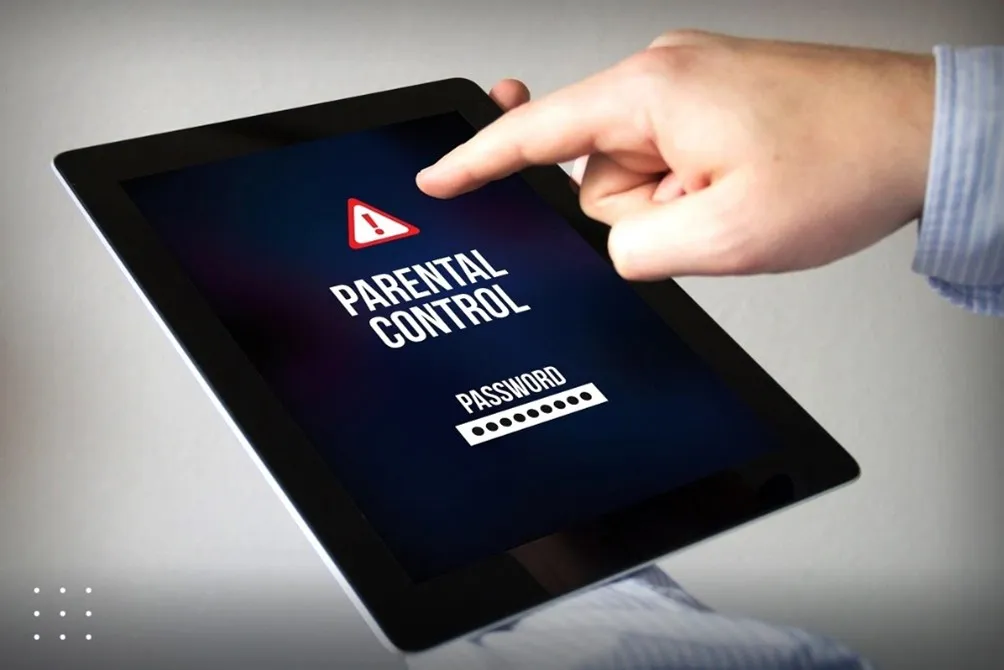
1. Use Strong Passwords and PINs
Create strong passwords: Set strong, unique passwords or PINs for your child’s devices to prevent unauthorized access. Use a combination of lett...
Be Careful Who You Chat With
Be Careful

1. Limit Communication to Trusted People
Only chat with known contacts: Children should only communicate with people they know in real life (family, friends, classmates) and shoul...
Use Strong Passwords
Use Passwords
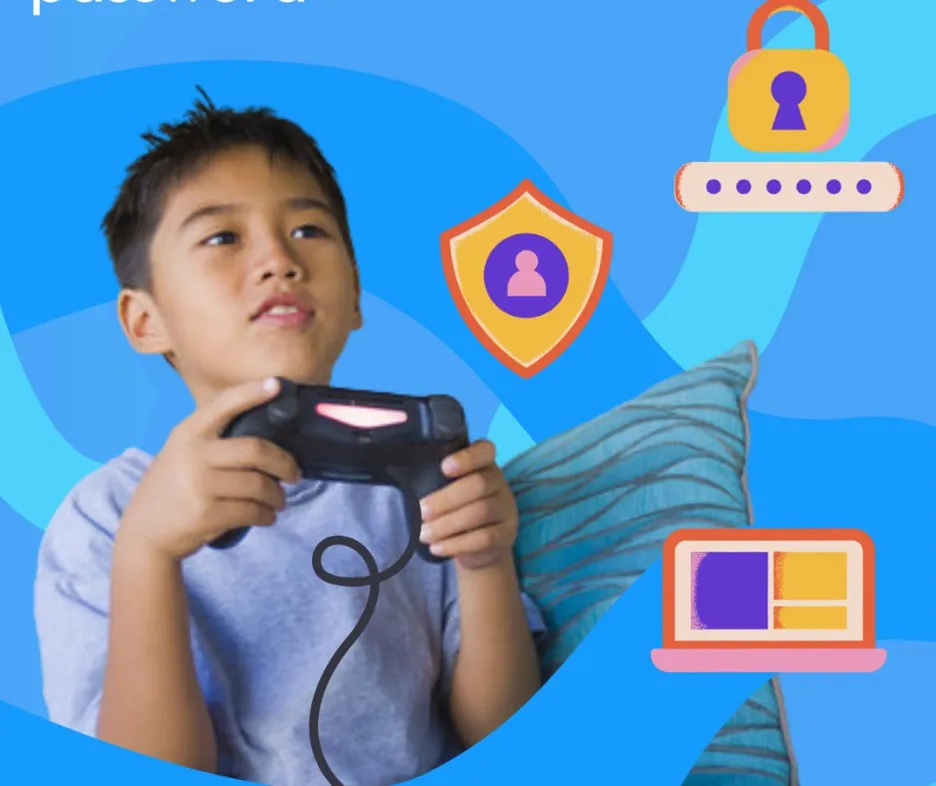
1. Create Strong Passwords
Use a mix of characters: A strong password includes a combination of uppercase and lowercase letters, numbers, and special characters (e.g., !@#$%^&*).
...
Protect Personal Information
Protect

1. Parental Control and Supervision
Monitor online activity: Keep an eye on the websites and apps your child uses. Ensure they’re age-appropriate and not sharing personal inform...